
Short answer: PayPal announced that eligible U.S. PayPal users can now use the PayPal app for in-store QR payments at participating Weixin Pay merchants in mainland China. The payment stays inside PayPal; you do not add PayPal as a wallet inside WeChat. The feature is conditional on account availability, the merchant checkout, the app version and the payment status shown in your PayPal app.
Official sources reviewed: October 11, 2026. PayPal’s launch announcement is dated August 11, 2026. This guide is based on the official announcements, not an on-site payment test. Treat the app’s current payment screen and the merchant’s supported checkout as the final authority when you travel.
Check eligibility before making PayPal the payment plan
| Situation | Useful next step | Important limit |
|---|---|---|
| Eligible U.S. account | Check the current official feature and app instructions. | An announcement does not make every account eligible. |
| Merchant payment | Confirm a supported in-store payment flow. | Personal QR transfers and every mini-program are not automatically covered. |
| A failure or pending charge | Check status and use a separate backup if needed. | Do not repeatedly pay an unclear transaction. |
At a glance
- Who: the official launch specifically covers U.S. PayPal users. It does not promise immediate access for every PayPal account worldwide.
- Where: in-store payments at participating Weixin Pay merchants in mainland China; the announcement does not guarantee every merchant, code or online checkout.
- How: scan a merchant Weixin Pay QR code in PayPal or present a PayPal in-app QR code where your account and the merchant support that flow.
- What you need: a current PayPal app, an account that shows the feature, sufficient PayPal Balance as recommended by PayPal, working mobile data and a backup payment method.
- What is not promised: a universal fee, a universal spending limit or acceptance at every shop. Confirm the final amount and any fee in the app.
What PayPal launched
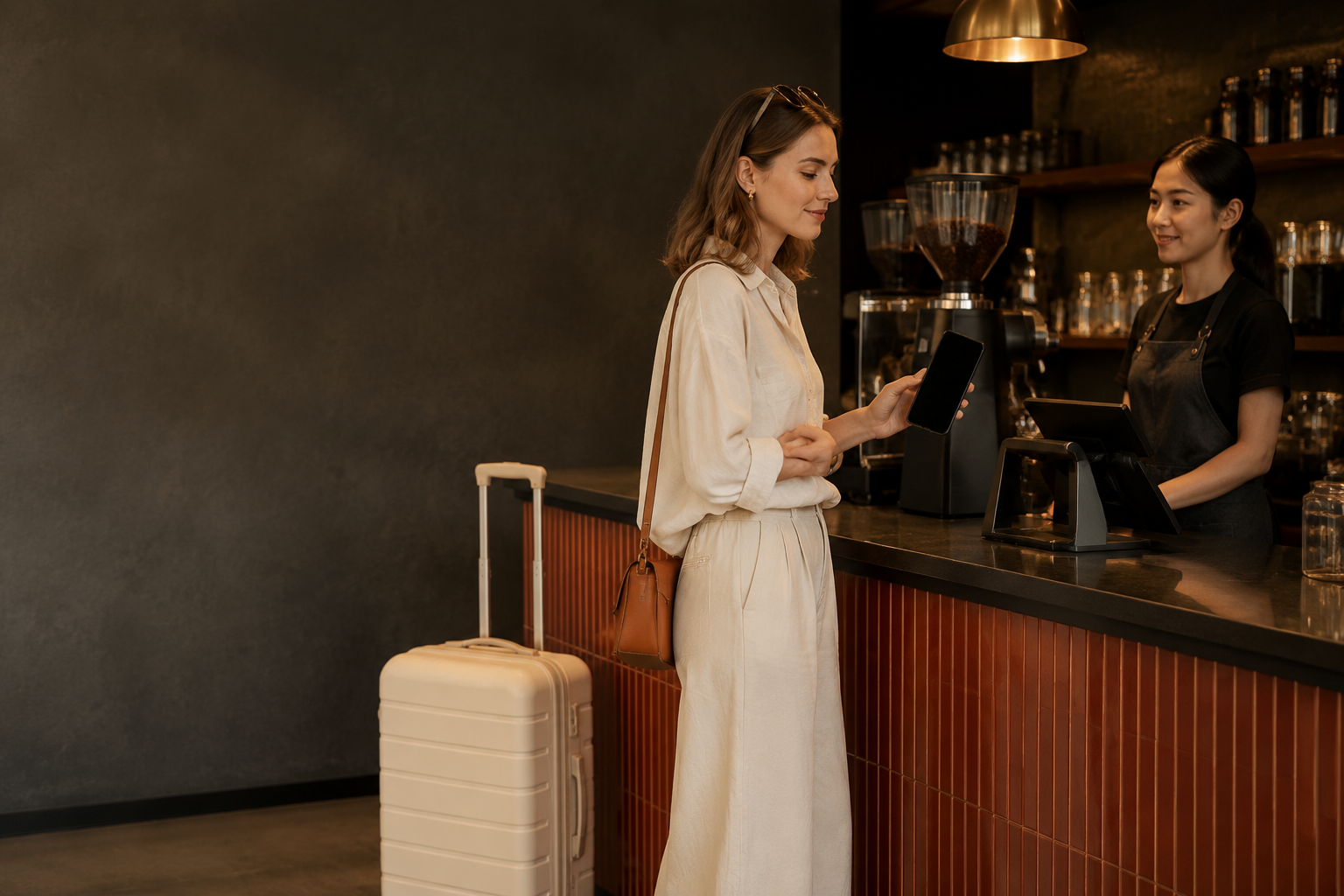
PayPal says its PayPal World network and TenPay Global connect the PayPal app with the Weixin Pay merchant network. Its launch notice says this flow does not require an additional local payment app, a local wallet or a Chinese bank account. You use PayPal while the merchant uses Weixin Pay acceptance. It is not a PayPal wallet inside WeChat or a promise of acceptance at every Chinese payment terminal.
Tencent’s partnership announcement describes the same service as starting with U.S.-based PayPal users, with other markets to follow in phases. PayPal’s dated launch notice confirms availability for U.S. users; do not apply that rollout to an account in another market without checking the app.
Who is eligible?
The public launch language identifies U.S. PayPal users, which is narrower than “any traveler who has PayPal.” In practice, three checks matter:
- Your PayPal account and region are eligible for the feature shown in the app.
- Your current PayPal app exposes the in-store QR flow and lets you complete the required account or balance checks.
- The merchant’s Weixin Pay checkout supports the connected payment route.
PayPal’s announcement does not publish a blanket eligibility list for every account type, age, funding source or country. We therefore do not claim that a non-U.S. account, a newly created account, a business account or a particular funding method will work. Open the current PayPal app before departure and contact PayPal if the option is missing.
Where it works — and where it may not
This is an in-store QR payment feature at participating Weixin Pay merchants. “Across China” in PayPal’s announcement describes the merchant network; it is not a guarantee for every individual shop, private transfer, personal QR code, mini-program, online checkout, transit gate or government payment. Ask the merchant for a supported payment code and keep a backup ready.
Do not confuse this service with linking an international bank card directly to WeChat. Tencent separately describes a 90-day, 3% processing-fee waiver for first-time users who link an international card to WeChat, subject to a daily RMB 1,000 cap. That is a Weixin Pay card-linking promotion, not a PayPal fee promise. Do not use it to estimate the cost of a PayPal transaction.
Prepare PayPal before you leave
PayPal’s launch notice recommends the following preparation:
- Update the PayPal app from the official app store.
- Sign in on the phone you will take to China and resolve any security or identity prompt before travel.
- Make sure the account has the funds PayPal recommends for the in-store flow. PayPal specifically mentions sufficient PayPal Balance and optional Auto Reload.
- Enable location services if the app requests them for the in-store experience.
- Test mobile data and keep your phone charged. Use our China SIM and eSIM guide for U.S. tourists to prepare connectivity.
- Save a physical international card, a second supported wallet and some RMB cash as backups.
How to pay at a supported merchant
- Open PayPal only when you are at the checkout.
- Choose the available in-store scan or payment-code function.
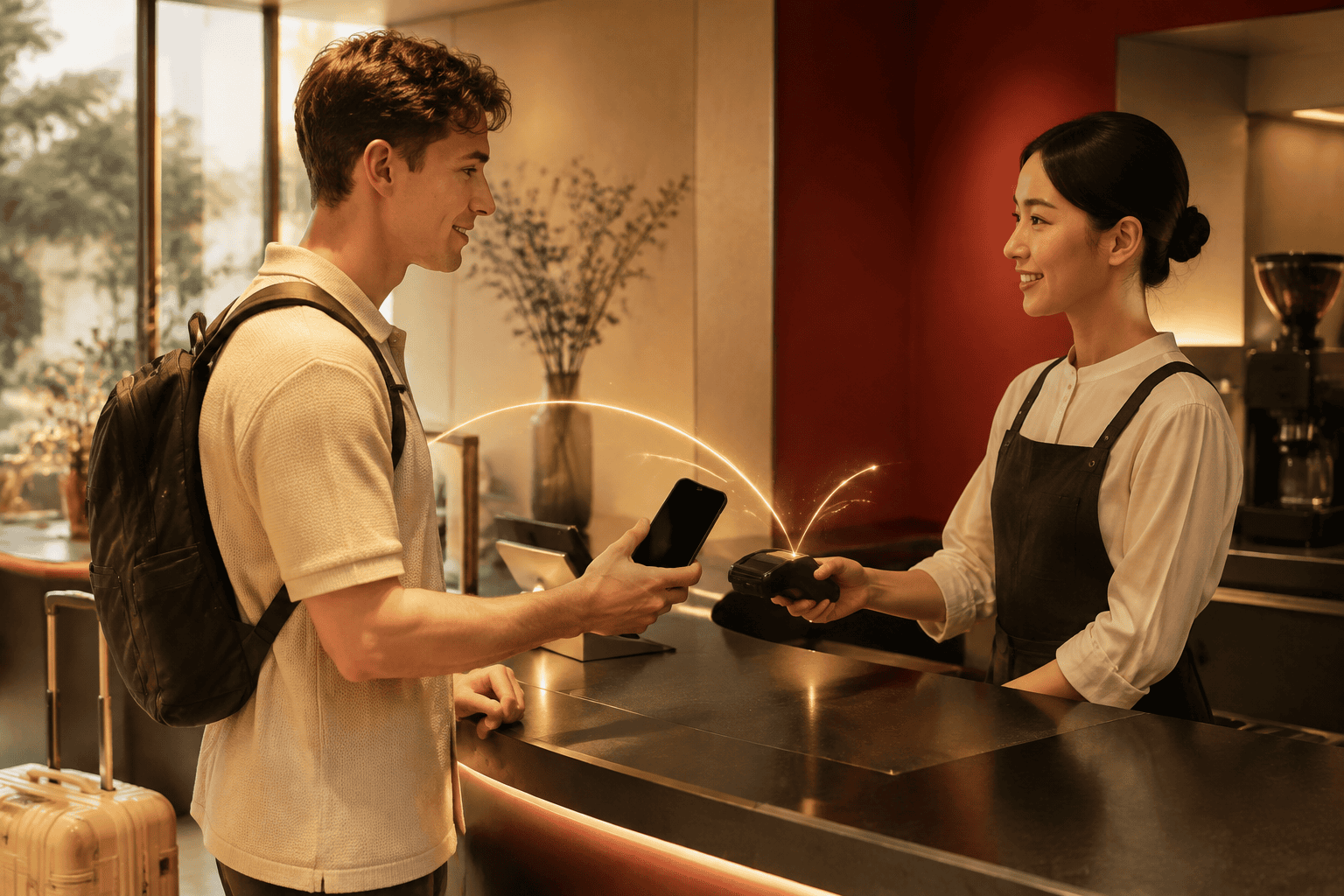
- Scan the merchant’s Weixin Pay QR code, or present the PayPal in-app code if the merchant’s scanner supports it.
- Confirm the merchant context and amount before approving.
- Review the RMB amount, exchange rate, displayed U.S.-dollar total and any fee shown in PayPal.
- Wait for a completed status and keep the receipt before trying again.
Never approve a blank or unexplained amount. If a scan appears to fail, first check whether the original attempt is pending or completed; repeatedly scanning can create duplicate charges.
Fees, exchange rates and limits
Neither PayPal’s launch announcement nor the public Tencent partnership announcement establishes one universal PayPal fee, exchange rate or daily limit for every account and transaction. Your final PayPal review screen is the reliable place to check the amount and any currency-conversion or funding-source charge. A merchant may price in RMB while PayPal displays a converted total.
Do not reuse Tencent’s separate WeChat international-card promotion as a PayPal rule. If your account shows a different fee or limit, save the receipt and ask PayPal before repeating the transaction.
If PayPal does not work
- Stop and check whether the first payment is pending, completed or declined.
- Confirm mobile data, location access and the latest app version.
- Ask whether the merchant code supports the connected PayPal–Weixin Pay route.
- Check the account, balance and any security prompt in PayPal.
- Ask the merchant for another supported checkout method and switch to a prepared backup.
For a second payment path, see our Alipay guide for foreigners, Alipay troubleshooting guide and essential China travel apps guide.
A resilient payment plan
Keep an independent payment backup, verify merchant support before paying and check the transaction status before retrying. The route should still work if this particular PayPal feature is unavailable for your account or the merchant. Linking the feature is one preparation task, not a replacement for a usable arrival and transport plan.
Official sources and update note
- PayPal newsroom — PayPal World Enables US Travelers to Pay Like a Local at Weixin Pay Merchants Across China (August 11, 2026).
- Tencent — Inbound Payment Service Upgrade Initiative (partnership scope and separate WeChat card-linking promotion).
- Payment availability, supported merchants, fees and app controls can change. Check the current PayPal app and the merchant checkout before confirming a payment.
Related decisions for this part of the trip
- Alipay for Foreigners: Set Up a Payment Backup Plan
- Alipay Not Working in China? Diagnose the Failed Step
- China ATMs With a Foreign Card: Cash and Backup Checks
Turn this decision into a workable route
Arrival and daily spending need at least one practical backup beyond a single wallet feature. LOCLYX is a China-based local team. We tailor a written plan to your dates, budget, interests, pace and constraints. Planning costs $19.9 per travel day; travel purchases are separate and we do not make reservations or provide ground services.
Use the relevant guides above to settle this question, then compare the full planning deliverable. Compare the sample itinerary and pricing and scope before using Plan My Trip. Delivery and revision conditions are in the published policy.
Update note
Editorial review: October 12, 2026. Use official and provider references for the route and service they cover. Operational availability, individual eligibility, medical decisions and local procedures require the appropriate current or professional check.